Mobile Apps
We have new mobile apps
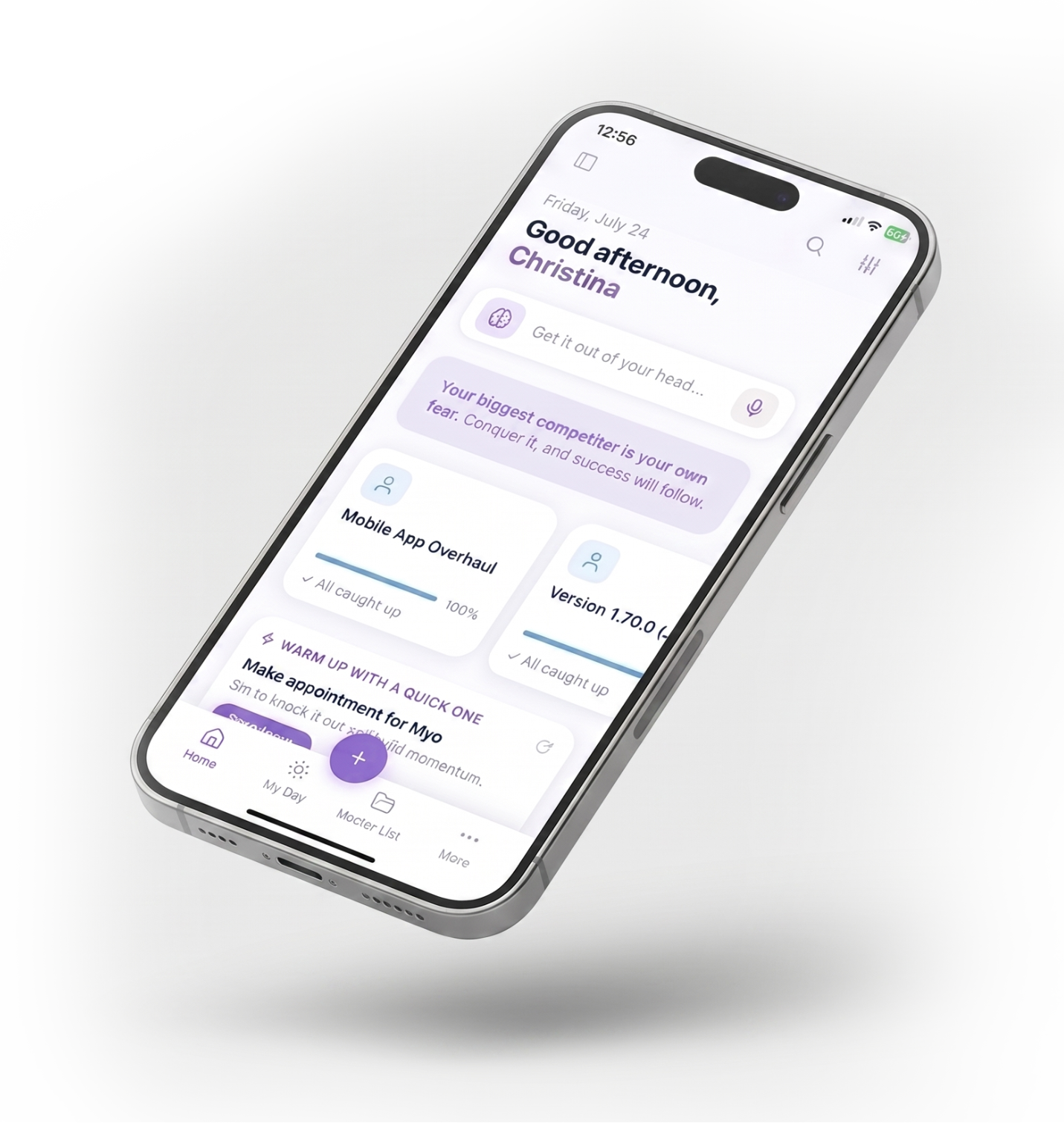
We rebuilt the Amazing Marvin mobile apps from the ground up. We are still working towards more feature parity with the web (almost there!), fixing bugs and continue to improve performance.
Download the apps
Available now on iPhone and Android.
Tried the beta on Android? Delete the beta app first, then install Marvin from Google Play.
The first sync can take a while, as the app downloads all your data the first time you sign in.
In the new apps
What's new
A fresh design and a bunch of new features, including some you won't find on the web yet.
A much-improved design
A cleaner, more polished interface that feels great to use.
AI BraindumpNot on web yet
Turn a messy braindump into organized, structured tasks with AI.
Voice captureNot on web yet
Add tasks and notes just by speaking.
Coming next
What we're still working on
Feature parity with the web
Bringing all of the web app features over to mobile.
Speed and performance
A big focus for us. We are putting a lot of work into making the apps faster and smoother.
Ironing out bugs
We are still fixing bugs as they come in. If you find one, please tell us.
More widgets
Even more home screen widgets are on the way.
Get the best experience
Tips for a faster app
Faster inside the app
Move items you are not actively using to the Back Burner. The more you keep on the Back Burner, the snappier everything feels inside the app.
Faster loading
A clean, fresh database loads faster everywhere, and you will really notice it on mobile. To reset yours:
- 1On the web, back up everything with a Backup.
- 2Only once the backup is done, do a Factory Reset on the web (under Account → Trash & Delete).
- 3Restore your backup.
Send us feedback
Have a tip or found a bug? You can send us feedback right inside the app. It helps us make the apps better.