The Marvin Method
From everything to one thing
You can only do one task at a time. But you have hundreds on your list. The Marvin Funnel helps you progressively narrow your focus from all possible tasks down to the single one you should do right now.
The Core Problem
The paradox of productivity
tasks on your list
task you can do right now
Most productivity apps show you everything at once. That's paralyzing. You need a system to progressively filter and focus. That's the funnel.
The Task Funnel
Seven levels of focus
Each level creates a smaller subset of tasks to focus on. Use as many or as few as you need. Create different workflows by combining the features in various ways.
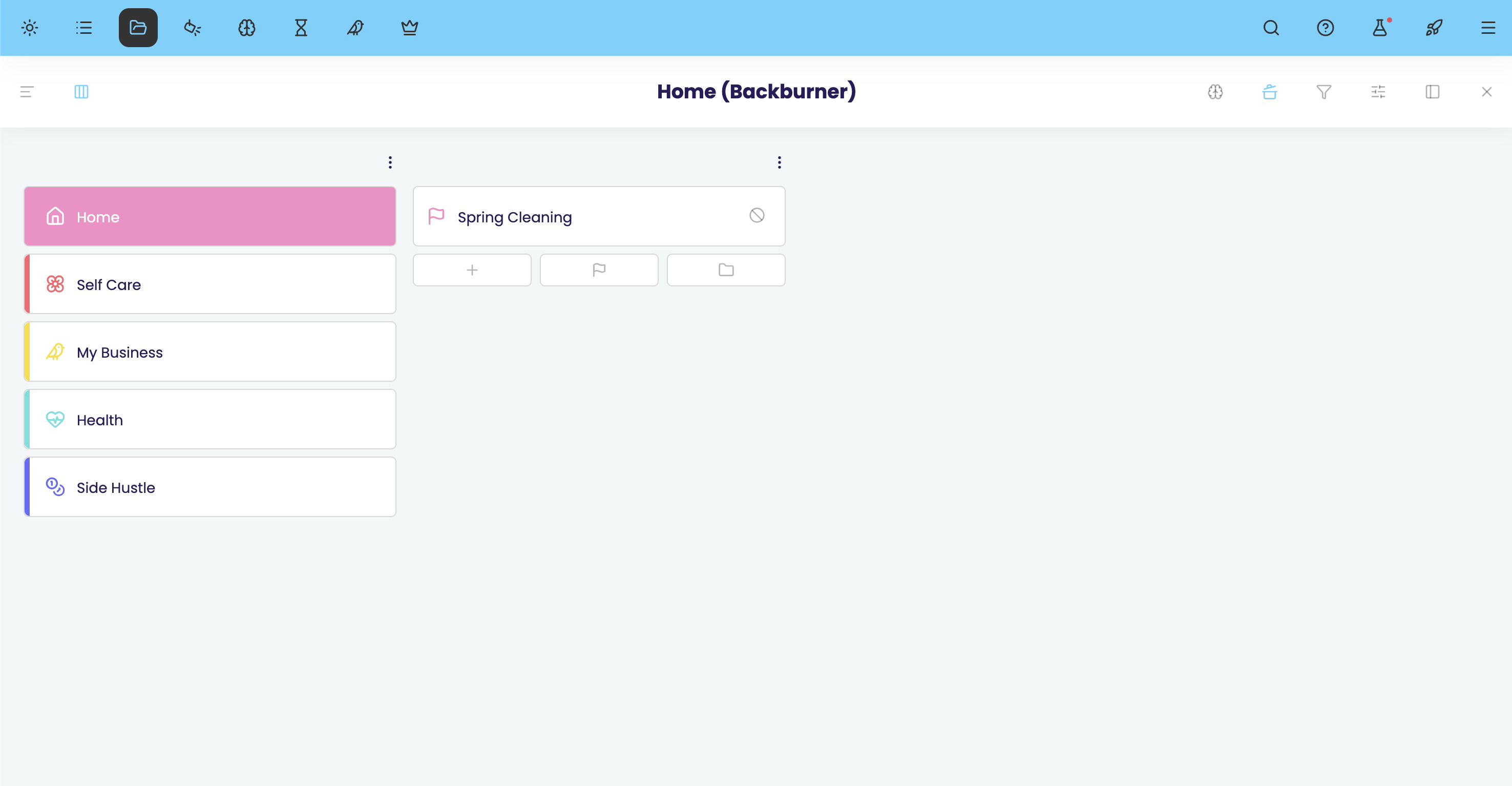
Someday/Maybe
Backburner
The holding area for anything that's not actionable right now. Think of it as your "someday/maybe" list: tasks and projects that matter but aren't open yet. Set start dates and they'll reappear automatically when they're relevant.
- Hold tasks until they become relevant
- Automatic reappearance on start dates
- View anytime in the seperate Backburner area
- Mirrors your master list structure
- Keeps your active list clean and manageable
Everything you could possibly do
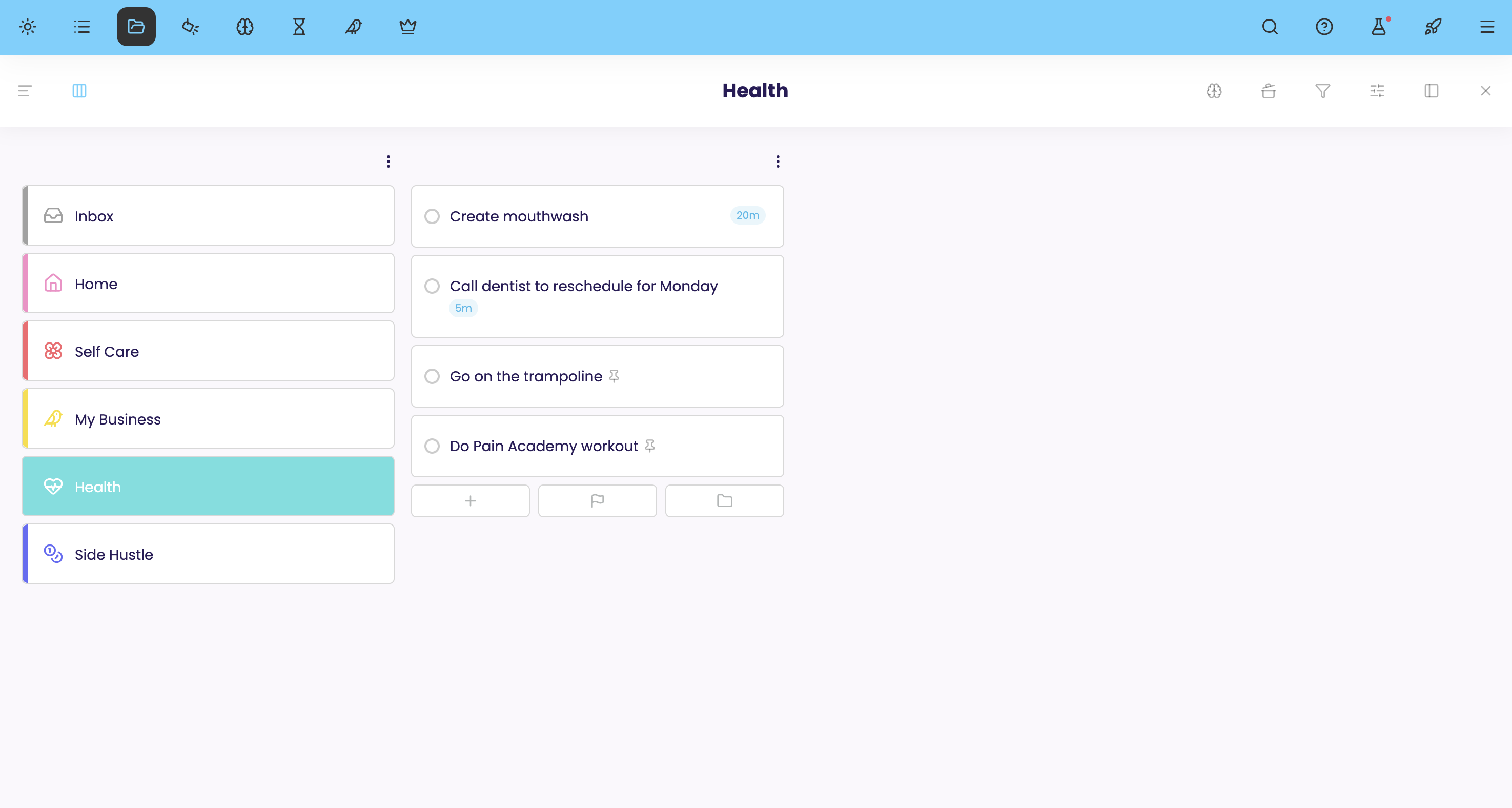
Master List
All your active tasks, projects, and ideas live here. Organize them however you want, with categories, color codes, icon codes, nested subcategories, and your choice of column or list views.
- Main categories to organize your life
- Color code and icon code your items
- Subcategories with infinite nesting
- Projects, subprojects, and individual tasks
- Column view or list view to see your tasks
This month, this week
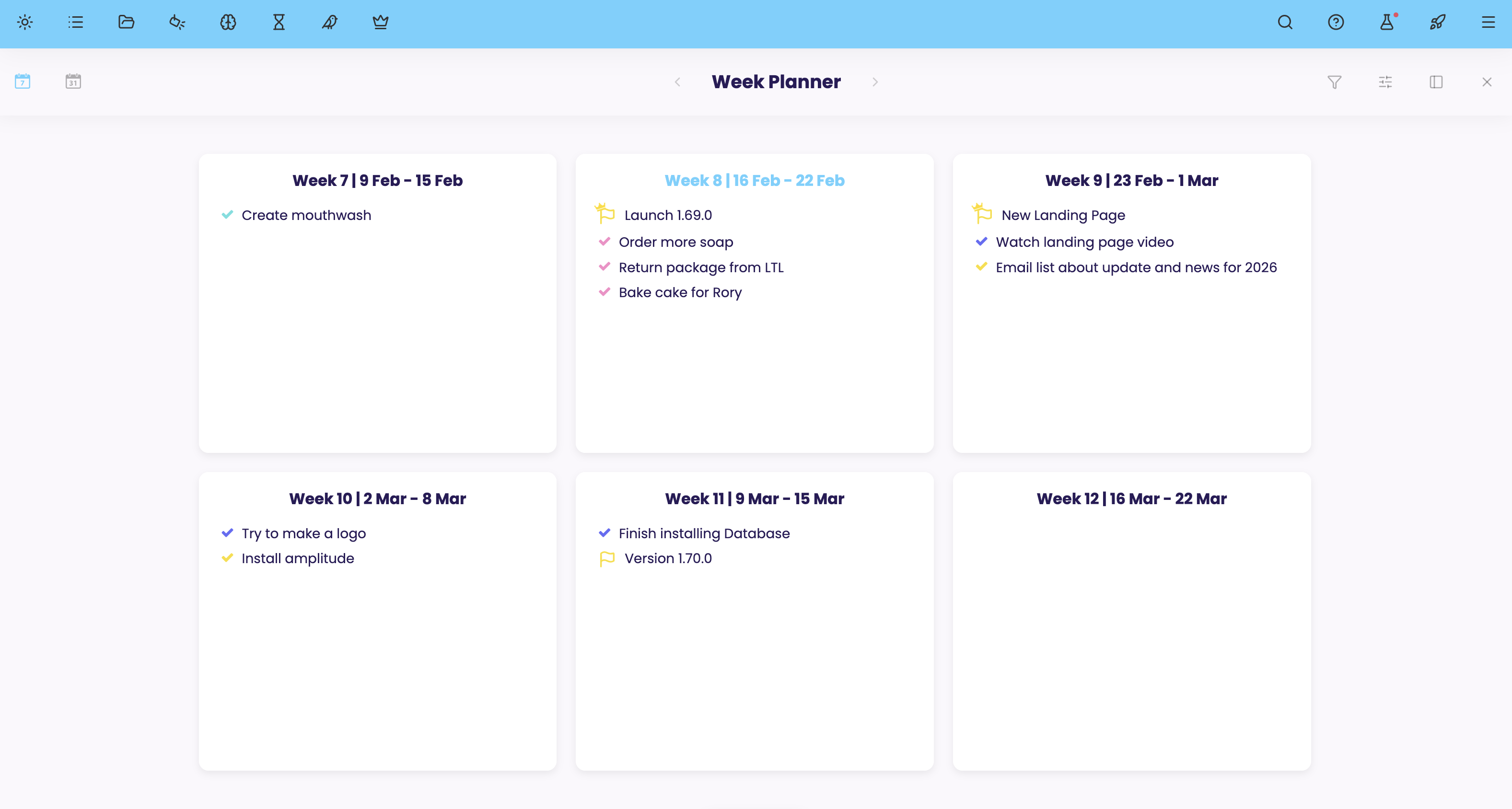
Planning Ahead
Plan specific tasks and projects for upcoming weeks and months. Narrow down from your master list by deciding what you'll actually work on in each time period.
- Plan by week and/or month
- Drag tasks between time periods
- See what's coming up
- Create manageable chunks of work
- Make day planning easier by scheduling from your week plan
What's currently relevant
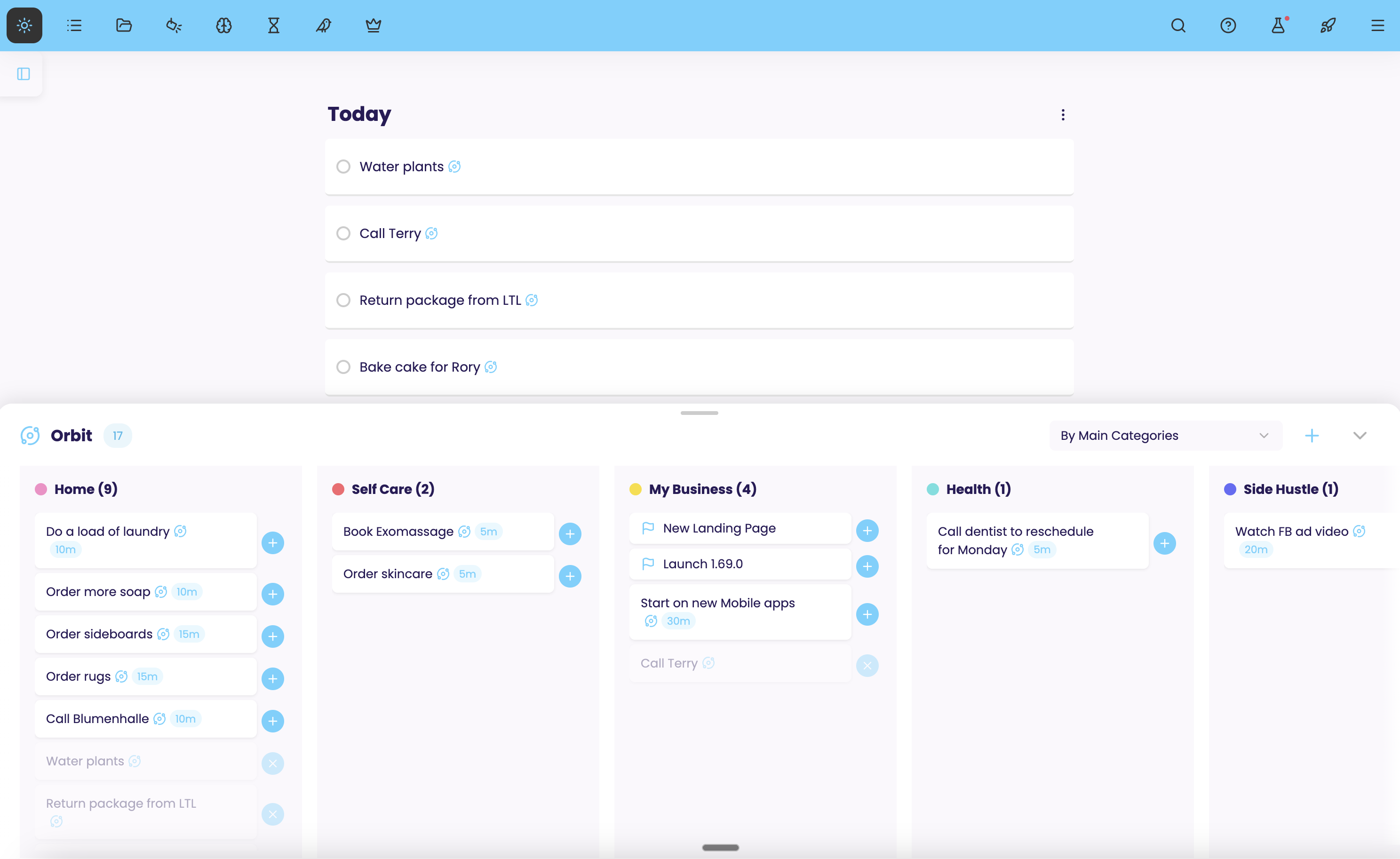
Orbit
Your current focus area. If organizing by specific weeks or months feels too rigid, use Orbit instead. Move things in and out based on what's currently relevant.
- Your immediate work zone
- The things you want to get done in the near future
- Move items in and out of orbit anytime as priorities shift
- Easier day planning by picking from orbit
- Uses as a priority for picker strategies (suggested, spotlight)
Your daily plan
Today
The tasks you've committed to for today. Schedule from your Orbit or weekly plan for less choice overwhelm. A realistic daily list keeps you focused and motivated.
- Various layout options for your day
- Visual options to see your day however you like
- Capacity estimator warns when you're overcommitting
- See estimated total time
- Reschedule overflow easily
Today
Your next work session
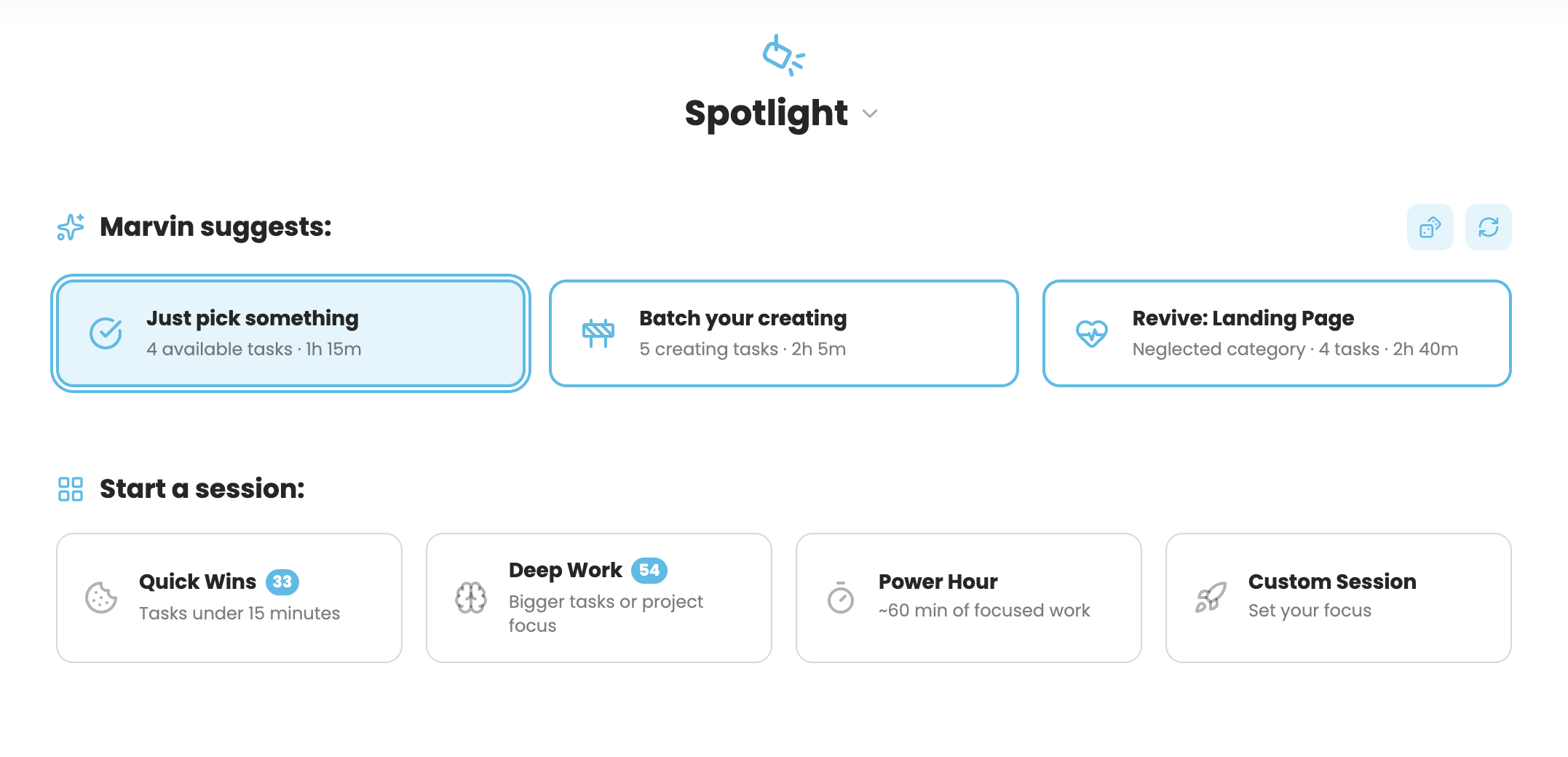
Spotlight
What you'll work on in your next work session (1-3 hours). A handful of tasks for a focused work block. Perfect if you want to skip daily planning and just know what's next.
- 2-3 tasks for a focused session
- Suggestions based on energy & priorities
- Perfect for spontaneous workers
- Alternative to day planning
One task. Right now.
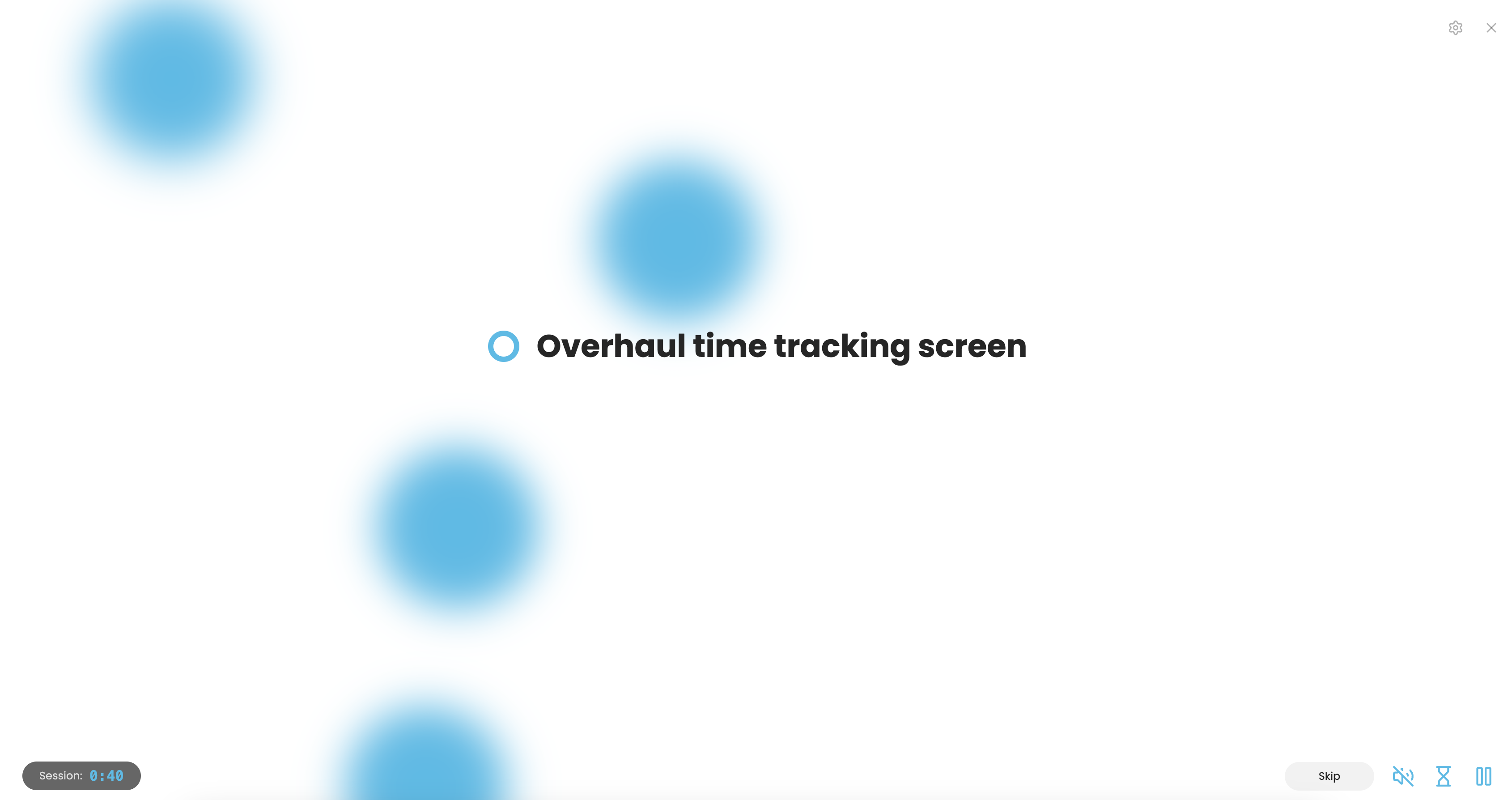
Focus Mode
The end of the funnel. Everything else disappears. Just you and the single task in front of you. This is where work actually happens.
- Full screen, distraction-free mode
- Track time automatically
- Optional progress bar
- Focus music to help you concentrate
Flexible by Design
Use the funnel your way
Day Planner
Plan your day step by step. Choose what matters today from your current focus area.
Spontaneous
Work without rigid planning. Master stays in the background while you focus on what feels doable right now from your orbit.
Time Control
Master everything with detailed planning across time periods. Perfect for complex schedules and long-term projects.
Ready to funnel your tasks into focus?
Try Amazing Marvin free for 14 days. No credit card required.
Start Your Free Trial